Quick Answer
Website speed optimization is a $399 flat fee in the US and TTD 900 in Trinidad, and it is included every quarter on Care Standard and above.
We find the specific things slowing your site down, usually unoptimized images, too many plugins, or no caching, and fix them. Most sites see a clear, measurable speed improvement within a day of work.
Why site speed matters
A slow website costs visitors and sales before they ever see your content. Google also uses page speed as a ranking factor, so a slow site can rank lower than a faster competitor with similar content. The most common cause we find is large, uncompressed images, followed by too many plugins running on every page load and no caching set up at all.
What the optimization includes
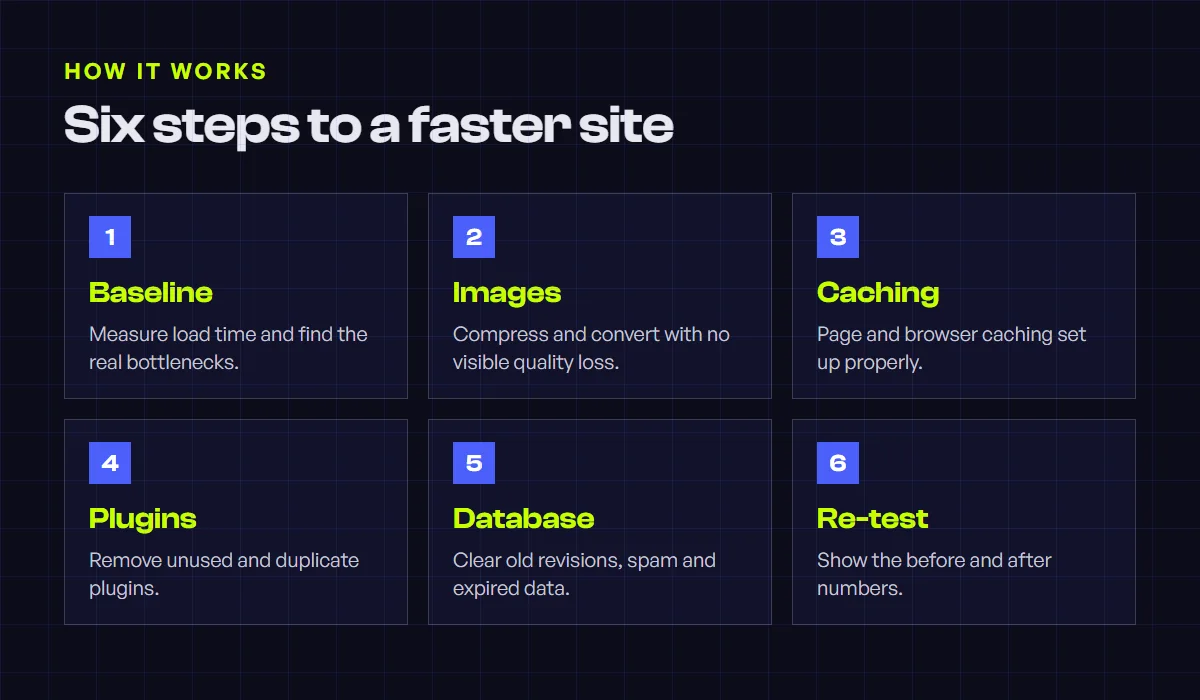
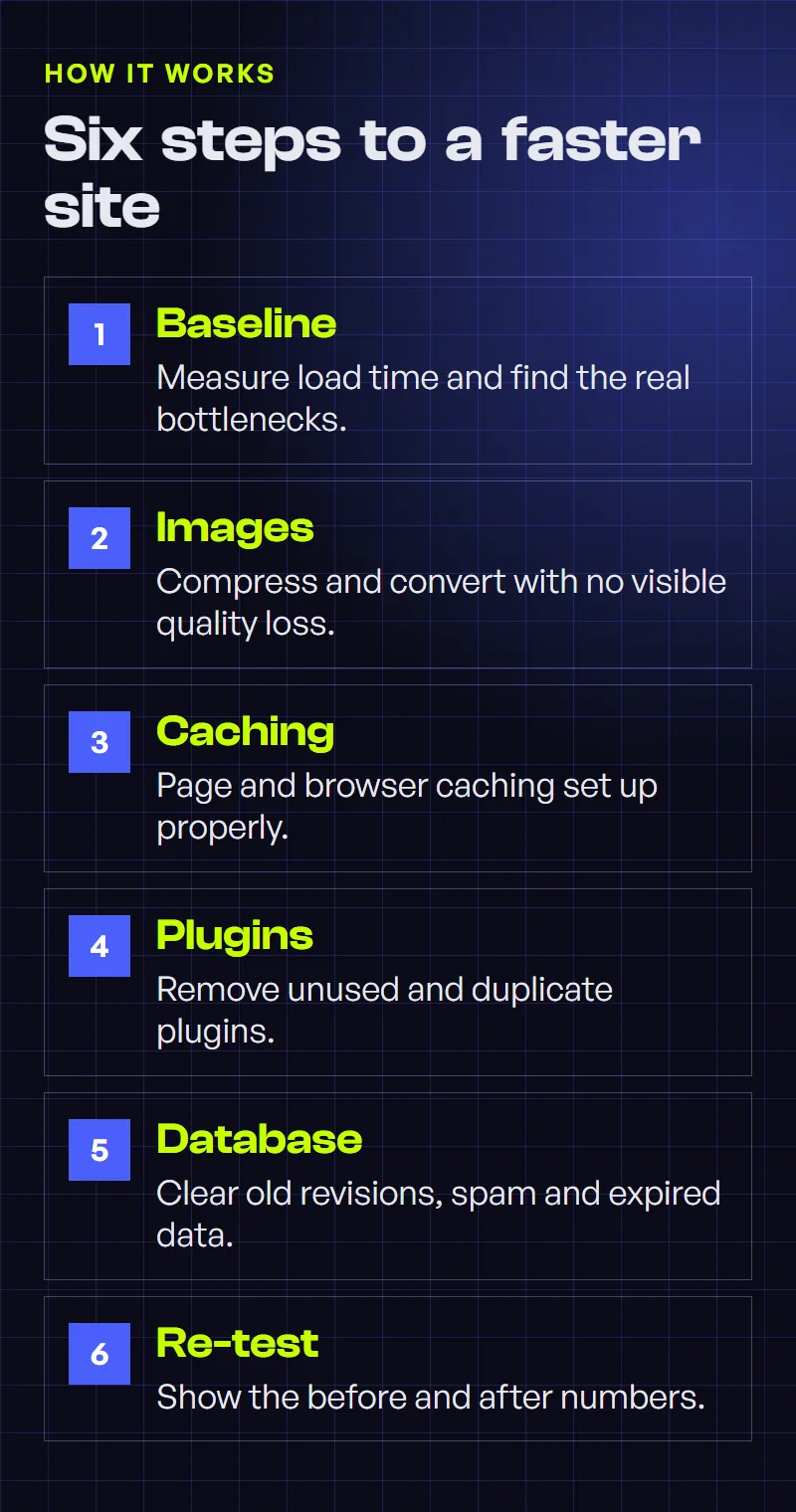
- Baseline test. We measure current load time and identify the specific bottlenecks, not a generic checklist.
- Image optimization. Images are compressed and converted to efficient formats without visible quality loss.
- Caching setup. Page caching and browser caching are configured so repeat visits load faster.
- Plugin audit. Unused or duplicate plugins are removed. Plugins that slow every page load are flagged for the client to decide on.
- Database clean-up. Old post revisions, spam comments, and expired transients are cleared.
- Re-test and report. We re-measure after the work and show the before and after numbers.
How much does website speed optimization cost?
| Market | Price |
|---|---|
| United States | $399 flat |
| Trinidad and Tobago | TTD 900 |
Quarterly speed checks are included at no extra charge on Care Standard and above and on the Growth and Priority US care plans.
What speed optimization will not fix
A site on slow or overloaded hosting has a ceiling that optimization alone cannot pass. If the hosting itself is the bottleneck, we will tell you plainly rather than charge for work that will not show a real result.
Not on WhatsApp? Email us
Email [email protected] or use our contact form. Tell us your website address and what you are seeing. We reply within one business day.
Keep your passwords safe
Please do not send passwords by email, chat, or the contact form. Once you hire us, we set up access in one of these ways:
- You add a temporary admin user for us in WordPress (Users, then Add New) and delete it when the job is done.
- Your hosting company invites us as a collaborator, if it offers that.
- You share login details through a password manager link that works once and then expires, such as Bitwarden Send or 1Password.
Frequently asked questions
How much faster will my site be?
It depends on the starting point. Sites with large unoptimized images and no caching usually see the biggest improvement. We give you the before and after numbers so the result is not a guess.
Will this change how my site looks?
No. Optimization changes how fast the site loads, not its design or content.
Is this a one-time fix or does it need repeating?
Speed can drift back down as new images and plugins are added over time. That is why it is a quarterly check on care plan clients rather than a single fix.
Does this work for WooCommerce stores?
Yes, with extra attention to checkout and product-page speed, which matter most for conversions.
What if my hosting is the real problem?
We will tell you honestly if hosting is capping your results, rather than optimizing around a limit that cannot be fixed with code changes.